Instagram Video Downloader Review: Is SaveFromIns Worth Using?
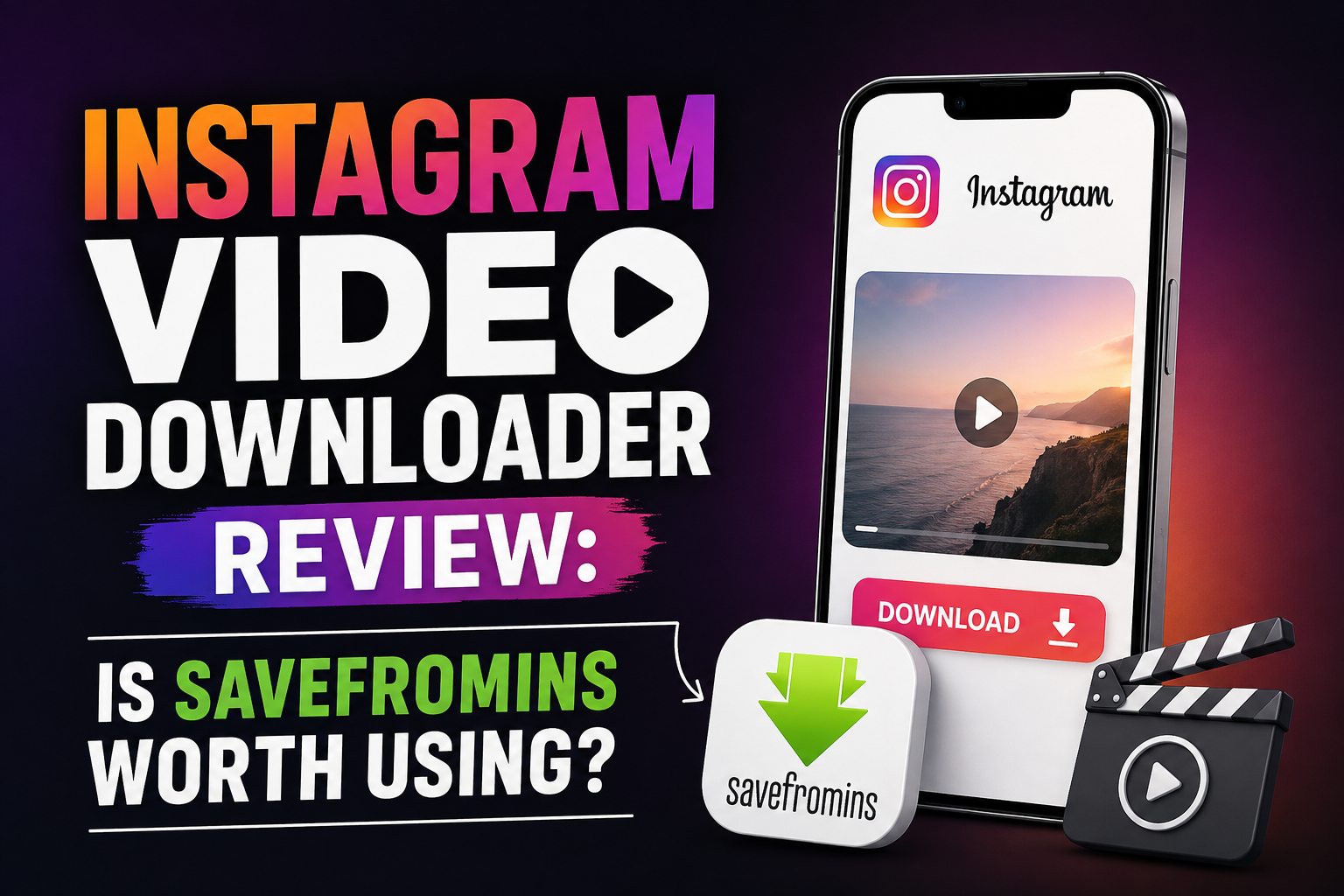
Instagram is packed with short videos, Reels, tutorials, product demonstrations, travel clips, and entertaining content that users may want to watch later. While Instagram offers ways to save posts within the platform, there are situations where users may prefer to keep a video on their own device for offline viewing or personal reference. This is where browser-based downloader tools can be useful.
SaveFromIns is one such option. It is designed to let users download Instagram videos by copying a post link and processing it through a web browser. The service also supports other Instagram content types, including Reels, photos, Stories, carousels, and profile media.
But is it actually worth using? This review looks at how SaveFromIns works, its video quality, device compatibility, download experience, installation requirements, and overall convenience.
How Does SaveFromIns Work?
The main appeal of SaveFromIns is its straightforward process. Instead of installing a dedicated application, users can access the service through a browser. To download a video, open Instagram, find the desired video, and copy its link. Then visit SaveFromIns, paste the URL into the download field, and start the process.
On mobile devices, the process is similarly simple. Users can open the Instagram app, tap the Share button, choose Copy Link, and then open SaveFromIns in a mobile browser. After pasting the link, the downloader processes the video and provides the download option.
Desktop users can follow almost the same workflow. The Instagram video URL can be copied from the browser address bar and pasted into SaveFromIns. This makes the tool accessible even for people who do not want to install additional software.
For someone searching for an Instagram video download solution, this link-based approach is probably the most attractive feature because it removes several unnecessary steps.
Video Quality
Video quality is an important consideration when choosing any downloader. A file that looks noticeably worse than the original may not be useful for editing, offline viewing, or keeping as a reference.
SaveFromIns states that it supports high-quality Instagram video downloads and aims to preserve the original quality. Its FAQ also says that multiple resolutions may be available depending on the original video, including options such as 1080p, 720p, and 480p. Downloads are provided in MP4 format.
However, users should keep expectations realistic. The final quality cannot normally exceed the quality of the original Instagram media. If the source video is already compressed or uploaded at a lower resolution, downloading it will not magically create additional detail.
The availability of different resolutions can nevertheless be useful. Someone with limited storage or mobile data may prefer a smaller file, while a user who wants the best available picture quality can select a higher-resolution option when it is offered.
Mobile Usability
One of SaveFromIns’ strongest points is its browser-based design. The service says it works on iPhone, iPad, Android devices, tablets, PCs, Macs, and laptops as long as the device has a compatible web browser.
This can be particularly convenient for mobile users. There is no need to search an app store for a downloader, install an unfamiliar application, or give another application access to the device.
The basic mobile workflow is also easy to understand: copy the Instagram link, open SaveFromIns, paste the link, and download the resulting file. For occasional downloads, this may be more convenient than maintaining a separate application.
There can still be differences between devices. Download behavior, file locations, browser permissions, and storage management vary between Android and iOS. Therefore, the exact experience after pressing the download button may depend on the browser and operating system being used.
Desktop Experience
SaveFromIns is equally suitable for desktop users who prefer working from a larger screen. According to its instructions, users can open Instagram in a desktop browser, copy the URL of the video, and paste it into the downloader.
This is useful for people who work with social media content on a computer. For example, a marketer might want to keep a publicly available video for reference, while a content creator might need to save material they have permission to reuse.
The browser-based setup also means users do not have to install a desktop program. That can make the initial experience faster and reduce the amount of software installed on a computer.
Download Speed
Speed is another area where online downloaders can be convenient. SaveFromIns states that its servers are optimized for fast and stable downloads and that videos can be processed within seconds under suitable conditions. Actual download speed, however, should not be treated as a fixed guarantee. Internet connection quality, server demand, video size, browser performance, and the availability of the Instagram content can all affect how quickly a file is processed and downloaded.
For short Instagram videos, the overall process can still feel quite quick because there is no application installation or complicated configuration involved. The simple copy-and-paste workflow also saves time when only one or two videos are needed.
Is Installation Required?
No dedicated installation is required. SaveFromIns operates through a web browser, and its website specifically promotes the fact that users do not need an app, browser extension, or desktop software. This is a meaningful advantage for casual users. Installing software just to download an occasional Instagram video can feel unnecessary, especially when the same task can be performed through a browser.
The lack of installation also makes the service flexible across devices. A person can use it from a phone at one time and a computer later without setting up separate applications.
Privacy and Login Considerations
SaveFromIns says that users do not need to log in with their Instagram credentials and that its downloader does not require users to connect their Instagram account. Its FAQ also states that the service is designed with privacy in mind. Avoiding the need to enter an Instagram password into a third-party downloader is an important convenience and security consideration. Users should still exercise normal caution with any third-party online service and avoid entering sensitive account information into download tools.
It is also worth remembering that downloading content does not automatically give someone permission to republish or commercially use it. Users should respect copyright, creator rights, and Instagram’s applicable rules when saving or reusing videos.
Overall Convenience
When the different factors are considered together, SaveFromIns is mainly attractive because of its simplicity. There is no complicated setup, no dedicated application, and no requirement to create an account just to use the downloader. The service supports multiple Instagram content formats and can be accessed from common mobile and desktop devices. Its biggest limitation is that, like other online downloaders, its performance can depend on the availability and accessibility of the Instagram content. A downloader also cannot improve the original quality of a poorly uploaded video.
Final Verdict: Is SaveFromIns Worth Using?
SaveFromIns is a practical option for users who want a simple, browser-based way to save Instagram videos without installing additional software. Its straightforward copy-link-and-download workflow, support for multiple devices, MP4 output, and availability of different quality options make it convenient for everyday use. It may be especially useful for casual Instagram users who want offline access to videos, students collecting permitted educational references, marketers reviewing social media material, and creators working with content they own or have permission to reuse.
Overall, SaveFromIns is best suited to people who value convenience and simplicity over advanced downloading features. If the goal is to quickly process an Instagram video from a browser without installing an app, it offers a straightforward solution worth considering.